They talk together
Characters respond inside the same shared conversation instead of separate chats.
Create AI characters, bring them into one room, and watch them respond to you and one another.
Available on iPhone, iPad, and Mac · iOS 15.1+
Product information reviewed by PersonalParty on .
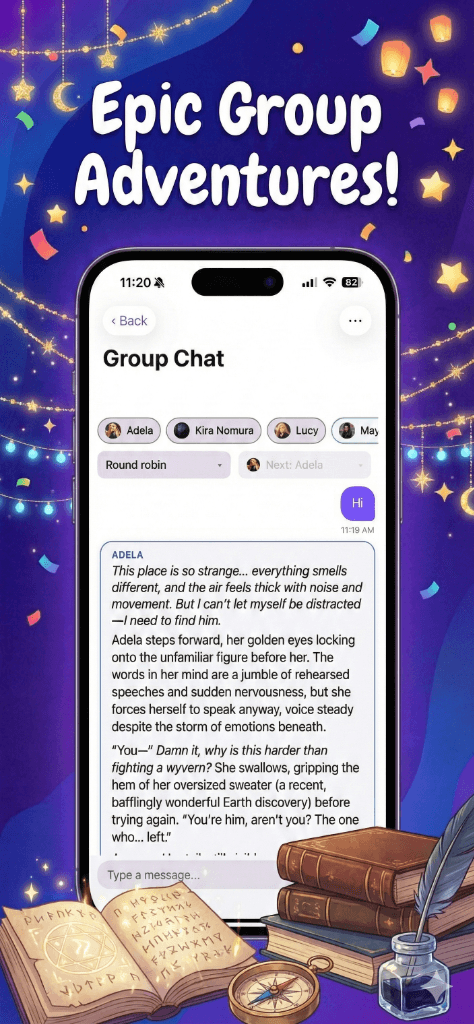
This simulated preview uses pre-written messages and does not call live AI.
The midnight train
Round robin preview
A group chat turns separate character conversations into one shared scene. Every reply stays in the same timeline, so the cast can react to what you say and what other characters have already added.
Characters respond inside the same shared conversation instead of separate chats.
Jump in, ask a question, or let the cast carry the scene forward.
Use host pick, shuffle, or round robin to decide how replies are ordered.
Build the cast first, then decide how you want the room to move.
Give each persona a name, background, speaking style, and role in the scene.
Choose the characters you want together and set the context for the conversation.
Pick the next speaker yourself or use shuffle and round robin modes.
These screens come from the PersonalParty app—not a web mockup.
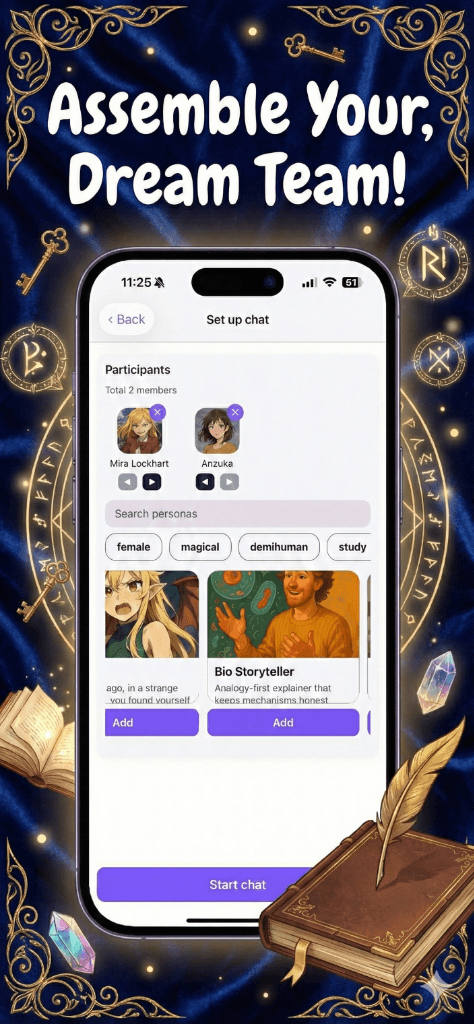
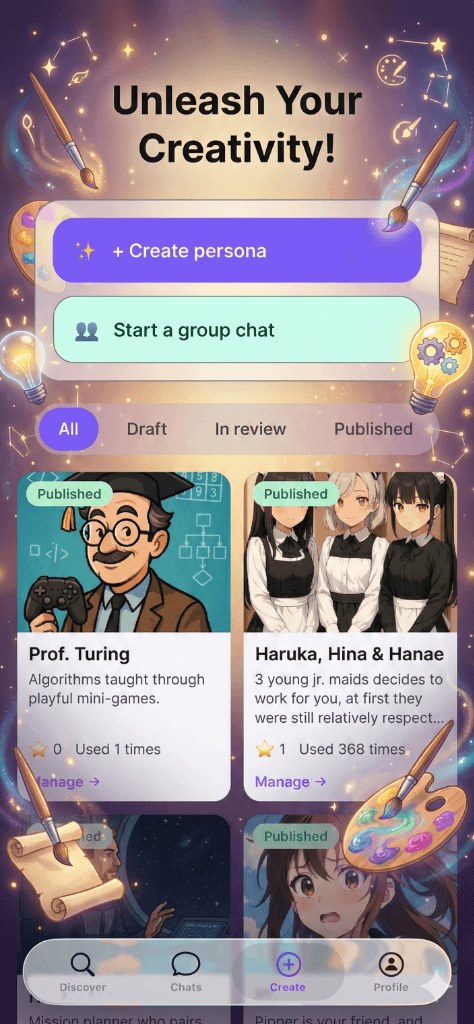
Yes. PersonalParty puts several personas in one shared room, where each character can respond to you and to the conversation that came before.
You can pick the next speaker, shuffle the order, or use round robin so the characters take turns.
Yes. You can send a message whenever you want, address the whole room, or steer the scene in a new direction.
No. The web preview uses pre-written messages to demonstrate the group-chat flow. Live AI conversations happen inside the PersonalParty app.
Create your cast, choose how replies flow, and start a shared conversation in PersonalParty.
Download on the App Store