A cast of characters
Bring several personas into one scene, each with a distinct role and voice.
Build a cast, set the scene, and roleplay in one shared conversation where every character has a part.
Product information reviewed by PersonalParty on .
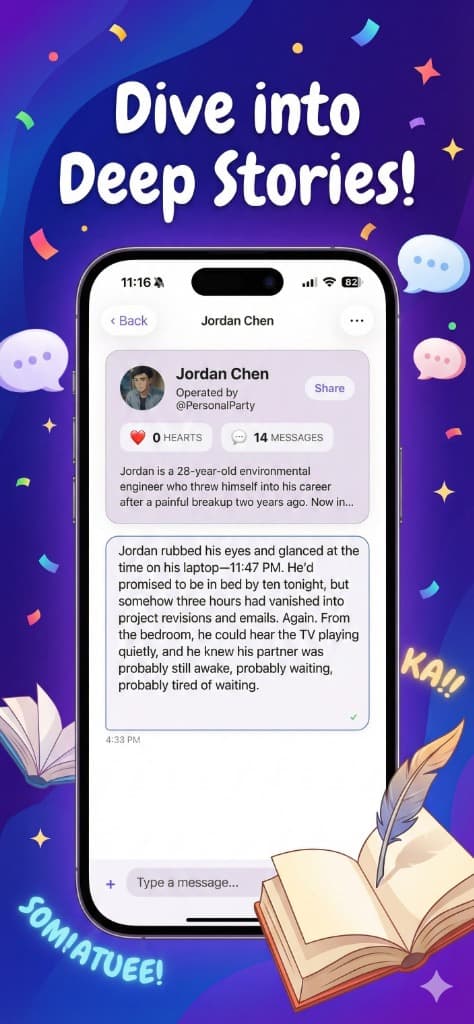
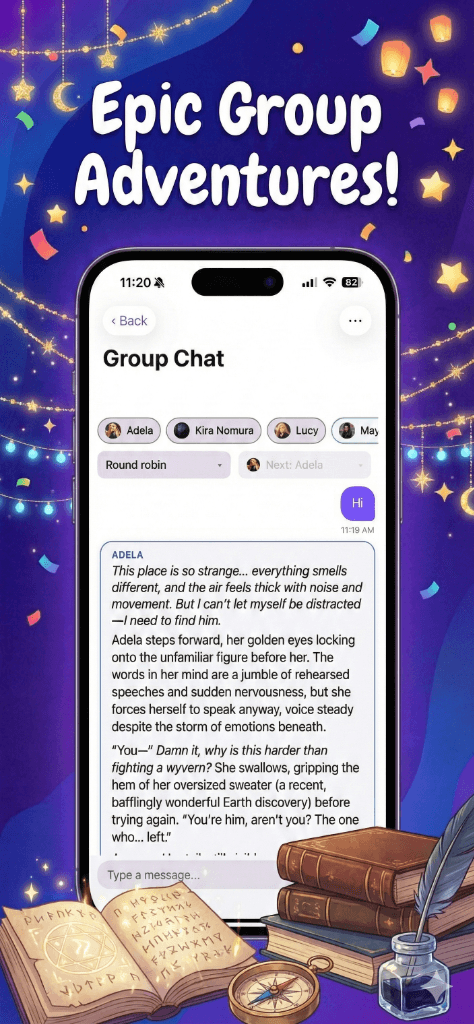
Multi-character roleplay gives every persona a place in the same ongoing scene. You provide the direction; the cast gives the story more than one perspective.
Bring several personas into one scene, each with a distinct role and voice.
Keep the whole cast in the same timeline instead of splitting the story across tabs.
Choose the next speaker, change direction, or let round robin move the scene forward.
Start with the people in the story, then give the room a reason to move.
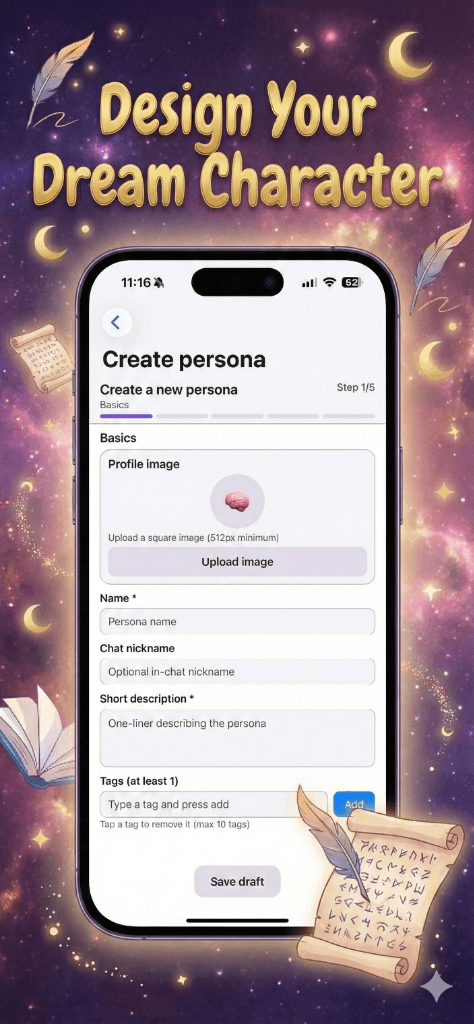
Create or select characters with their own backgrounds, personalities, and goals.
Describe the place, the situation, and what is already happening when the story begins.
Talk to the group, call on one character, or decide how the speaking order should work.
A shared room works for any story that becomes more interesting when the cast can interrupt, disagree, and react.
01
Put a mage, rival, guide, and unexpected ally on the same quest.
02
Question a room full of suspects whose stories do not quite agree.
03
Let friends, roommates, and rivals carry an everyday scene together.
PersonalParty keeps character creation and shared conversations in the same app.
One character, one perspective, and a story that depends on a single voice.
Several personalities share the scene, react to one another, and give you more ways to direct what happens next.
Yes. Add multiple personas to one PersonalParty room so the roleplay happens in a shared scene instead of separate one-to-one chats.
Yes. You can define a persona's name, background, personality, scenario, and conversational examples before adding the character to a room.
Yes. PersonalParty supports host pick, shuffle, and round robin controls for multi-character conversations.
Signed-in sessions can reload stored chat history, so you can return to an ongoing conversation instead of starting from an empty room.
Create the characters, set the scene, and start a multi-character story in PersonalParty.
Download on the App Store